
Real remediation for website ada compliance services —templates, forms, navigation, and PDFs—plus ongoing maintenance so you don’t regress after updates.
Your site can look fine and still fail website ADA compliance in ways that block real users and increase risk. We find the issues that actually matter, fix them at the template/component level, and document the work so you can show progress. If you’re tired of scans that lead nowhere, this is built for you. Start with a Triage Sprint to get clear priorities and quick wins.

What “Website ADA Compliance” Means in Practice
Website ADA compliance is about making your site usable for people with disabilities—keyboard users, screen reader users, and people who need stronger contrast or clearer structure. In real-world terms, it means your navigation works without a mouse, forms can be completed without guesswork, content is structured logically, and documents are accessible—not just posted.
What We Remediate
Core website fixes
- Keyboard navigation and focus visibility
- Proper headings/landmarks and clean semantic structure
- Forms: labels, required fields, error messages, and validation behavior
- Color contrast and non-color cues for states
- Link clarity and “download” patterns that are screen-reader friendly
- Image alt strategy that’s useful
Document and media fixes (when applicable)
- PDF remediation (tags, reading order, headings, tables, forms)
- Captioning/transcript guidance for media
- Publishing rules so new uploads don’t recreate the same issues
Our Website ADA Compliance Process
This is how we get you from “not sure what’s wrong” to “fixed and maintained.”
Step 1 — Compliance Triage Sprint (1–2 weeks)
We audit your highest-impact templates and user paths, not a random list of pages. You get a prioritized backlog (what’s risky, what’s easy, what’s next) and quick-win fixes during the sprint.
Deliverables
- Executive summary (risk + priorities)
- Remediation backlog
- Quick wins implemented
Remediation Implementation (project)
We fix issues at the system level so improvements scale across the site. That typically means template and component fixes first, then content and documents in batches.
Deliverables
- Template/component remediation
- Form and conversion-path accessibility fixes
- PDF batch remediation (if needed)
- QA verification + documentation of completed work
Ongoing Compliance (monthly)
Websites change. Plugins update. Staff publish content. Compliance regresses unless someone owns it. We provide monthly monitoring, remediation hours, and reporting so you stay stable.
Deliverables
- Monthly checks + regression prevention
- Ongoing remediation hours
- New page/PDF publishing guardrails
- Monthly progress report
Proof of Work

Life Extension — E-Commerce Accessibility Remediation
Improved accessibility across conversion-critical patterns like navigation, product browsing, and forms. Focused on template-level fixes so improvements scale across the store experience.
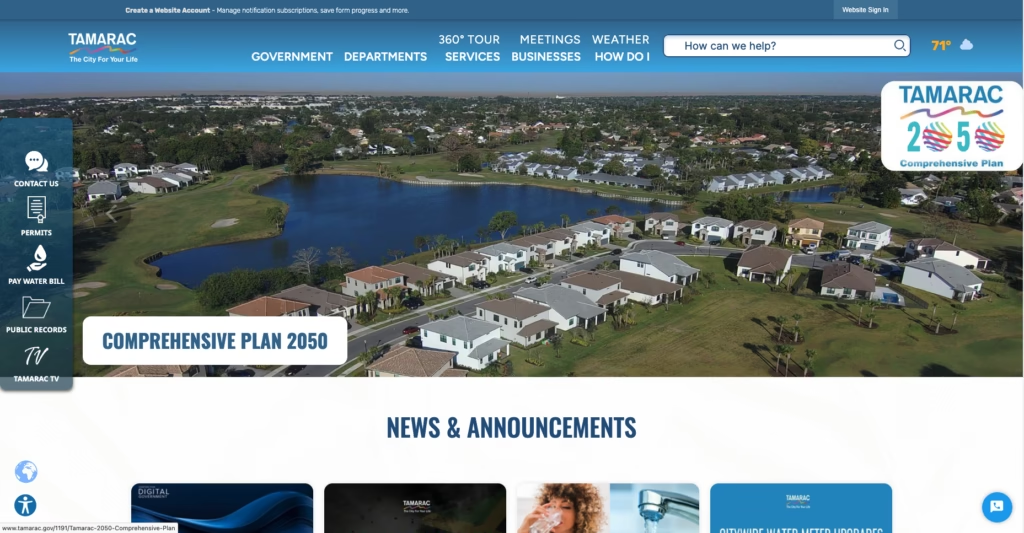
City of Tamarac — Website + PDF Remediation
Addressed accessibility across core website templates and a document-heavy ecosystem. Built a practical workflow for handling active PDFs and reducing future publishing risk.

FDOTSafetyResources.com
Supported accessibility remediation for a public-facing, content-rich site where trust and clarity matter. Structured the work as phased remediation plus ongoing maintenance planning.
Want the detailed versions? View the full case studies.
Who We Help

- WordPress businesses that update often and need compliance that won’t regress
- Organizations with large PDF libraries and public-facing downloads
- Teams who received a complaint, demand letter, or internal audit findings
- Anyone who wants fixes + documentation + a sustainable plan
Website ADA Compliance FAQs
What does website ADA compliance mean?
It means your website is usable for people with disabilities and meets accessibility standards commonly referenced in enforcement and audits (typically WCAG). Practically, that means keyboard access, readable structure, accessible forms, proper contrast, and accessible documents.
Do you only run scans or do you fix the issues too?
We fix the issues too. The scan is the starting point. Then we fix template and component issues, improve forms and navigation, and handle PDF fixes in batches if your site is document-heavy.
How long does ADA remediation take?
Depends on how the site was built, templates, plugins, content volume, and PDF library size. Most sites benefit from a quick triage sprint first, then a phased remediation plan so you get progress fast without blowing up your site.
Can you help if we’re on WordPress or a government CMS?
Yes. We handle WordPress compliance management and also support PDF-heavy government-style ecosystems where the biggest risk often lives in documents and publishing workflows.